The WebGen application family

Every app is written for WebGen Linux in Rust, on GTK4 and libadwaita. They share one look, one settings registry, and one set of conventions — so the file manager, the editor and the browser agree on what a colour picker is, where settings live, and which program opens a .php file.

Screenshots below are of the versions listed, captured on 26 July 2026. Apps marked with a group are installed on demand with wgpkg install --group <name>; the rest ship in the base image.

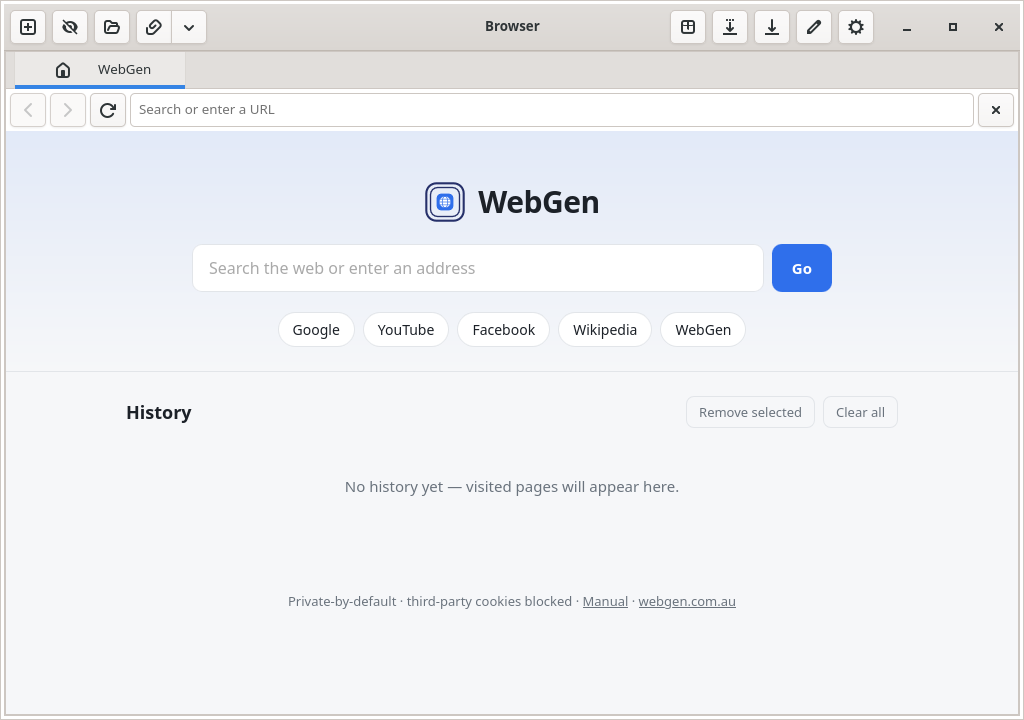
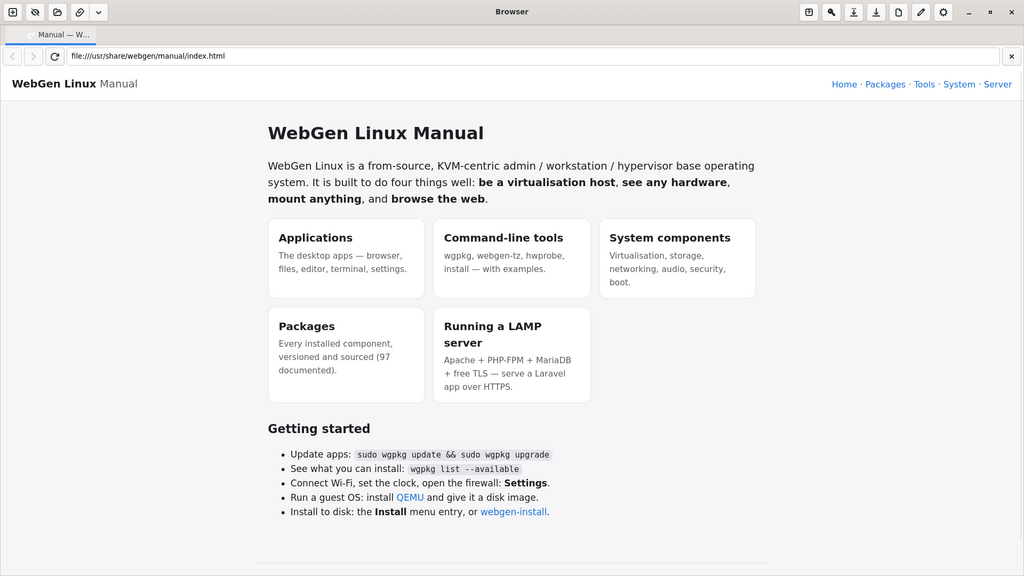
Browser screenshot

Browser v0.14.0-1

A privacy-first browser on WebKitGTK 6. Third-party cookies are blocked by default and an EasyList ad blocker is built in. Tabs, bookmarks, downloads with per-item cancel, private windows, and a home page that stays out of the way.

binary webgen

wgpkg install webgen

Debian/Ubuntu build: webgen_0.14.0-1_amd64.deb (2.2M)

Files screenshot

Files v0.8.0-1

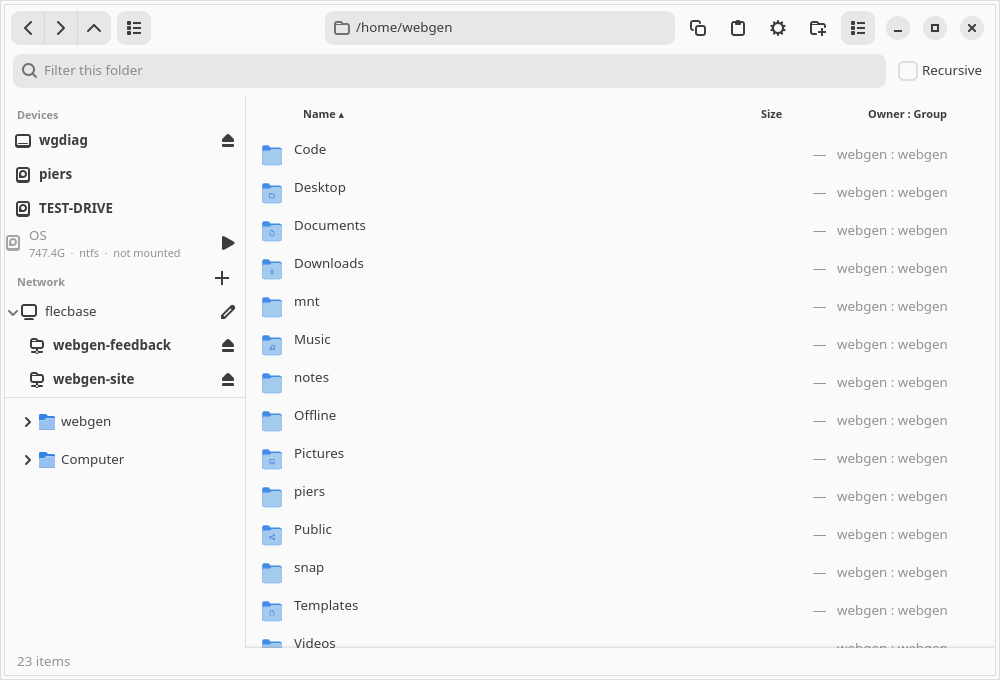
A two-pane file manager: folder tree beside the file list, with back/forward/up, an address bar, filtering and recursive search. A Places sidebar lists mounted drives and network locations, grouping several mounts on one machine under a single renameable entry, and can connect and disconnect SSH/SFTP and NFS shares. Optional Size and Owner : Group columns with sortable headers. Full right-click menu — copy, cut, paste, compress, extract, rename, properties and Open Terminal Here.

binary webgen-files

wgpkg install webgen-files

Debian/Ubuntu build: webgen-files_0.8.0-1_amd64.deb (1.1M)

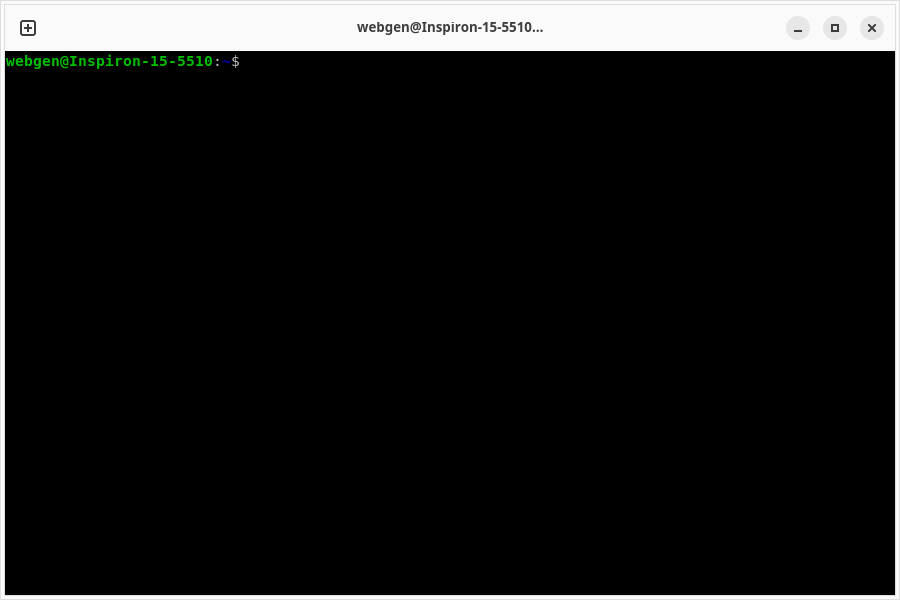
Terminal screenshot

Terminal v0.2.2-1

A tabbed terminal built on VTE and AdwTabView. Configurable font, scrollback, cursor shape and bell, all read from the shared settings registry.

binary webgen-terminal

wgpkg install webgen-terminal

Debian/Ubuntu build: webgen-terminal_0.2.2-1_amd64.deb (1008K)

Edit screenshot

Edit v0.8.1-1

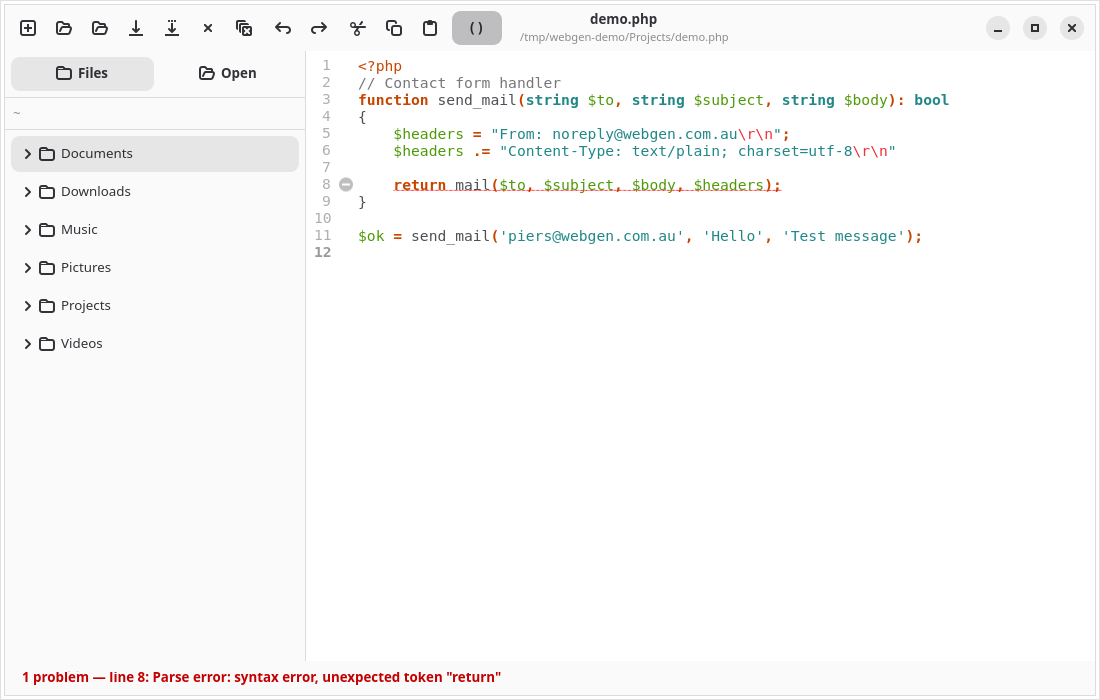
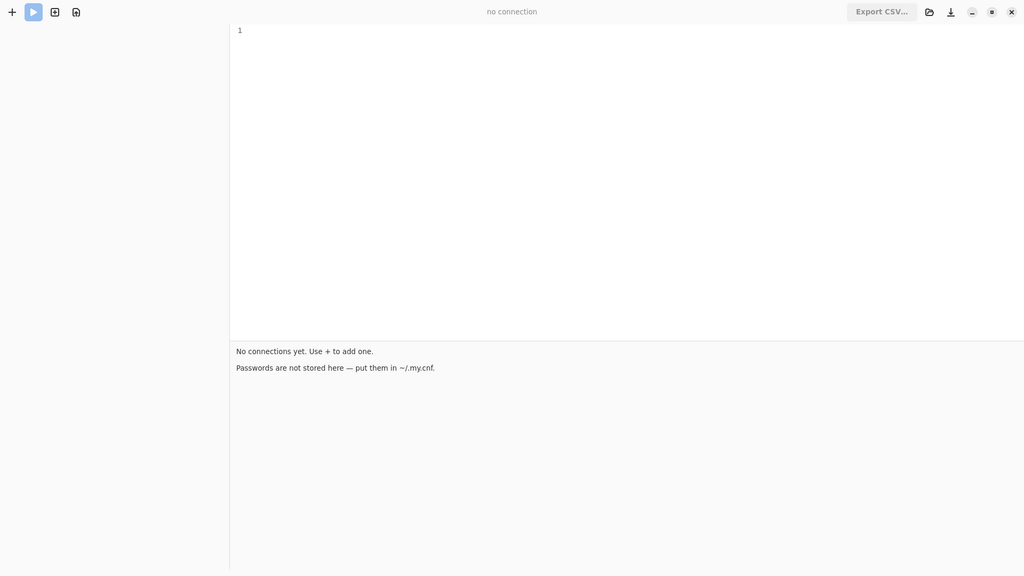
A source and config editor with syntax highlighting, a file tree, and syntax checking as you type — an error icon in the gutter, a red squiggle on the line and a status bar that jumps to the first problem. Nine languages, using each one's own checker rather than a language server.

binary webgen-edit

wgpkg install webgen-edit

Debian/Ubuntu build: webgen-edit_0.8.1-1_amd64.deb (1.5M)

System Settings screenshot

System Settings v0.15.0-1

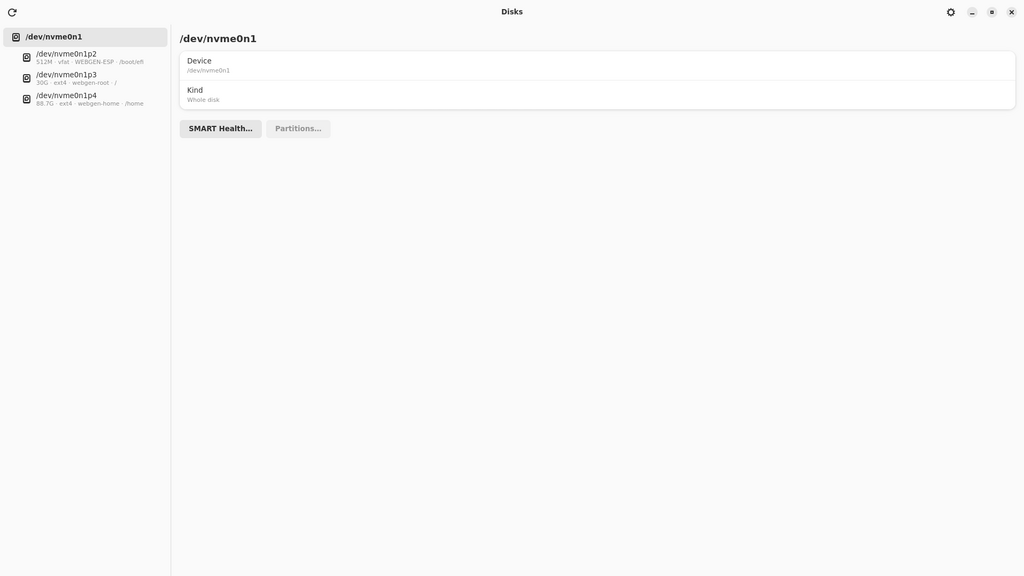
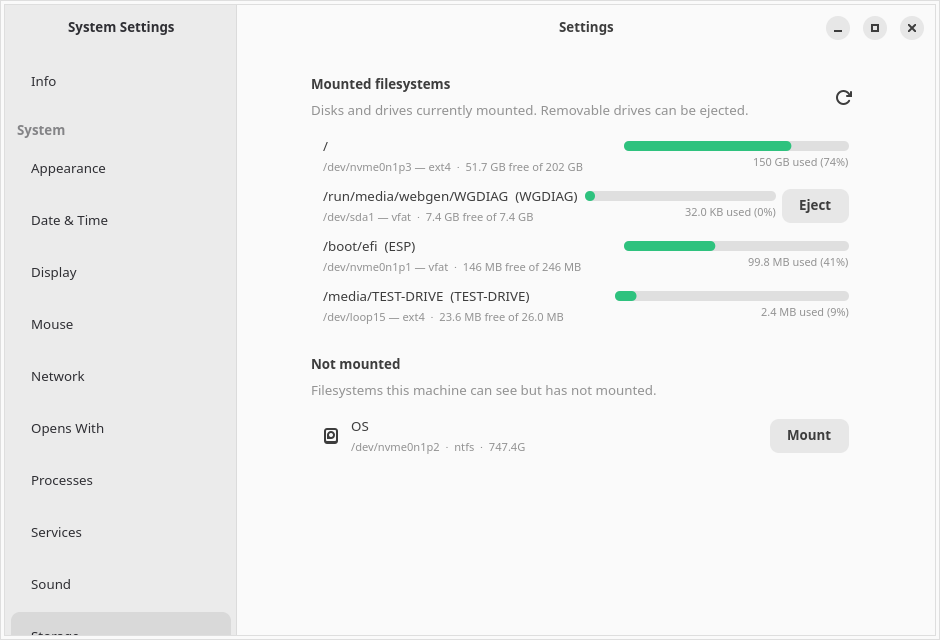
One place for the whole system: appearance, mouse, sound, network, date & time, users, services, processes and file associations — plus Storage, showing every mounted filesystem with a colour-coded usage bar and eject for removable drives. Per-app panels are generated automatically from each app's settings manifest.

binary webgen-settings

wgpkg install webgen-settings

Debian/Ubuntu build: webgen-settings_0.15.0-1_amd64.deb (1.3M)

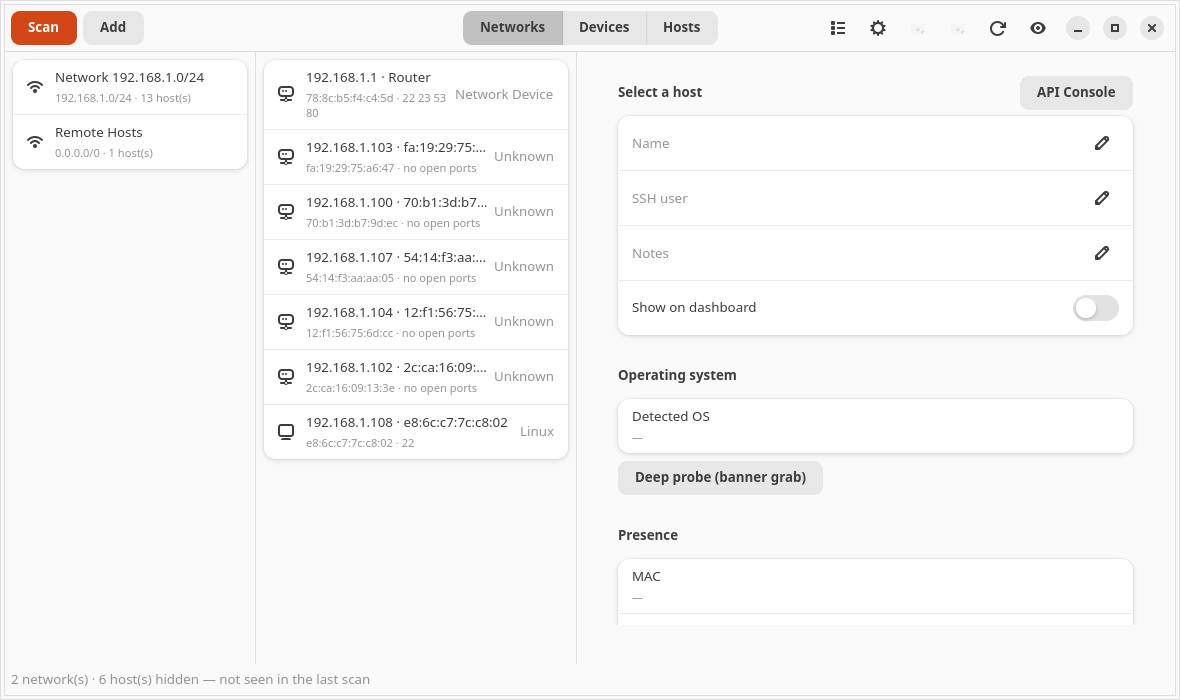
MacBurger screenshot

MacBurger v0.1.3-1

Network scanner and SSH manager. Discovers hosts on a subnet, scans ports, fingerprints operating systems, and keeps a live dashboard of the machines you manage.

binary macburger

wgpkg install macburger

Debian/Ubuntu build: macburger_0.1.3-1_amd64.deb (6.9M)

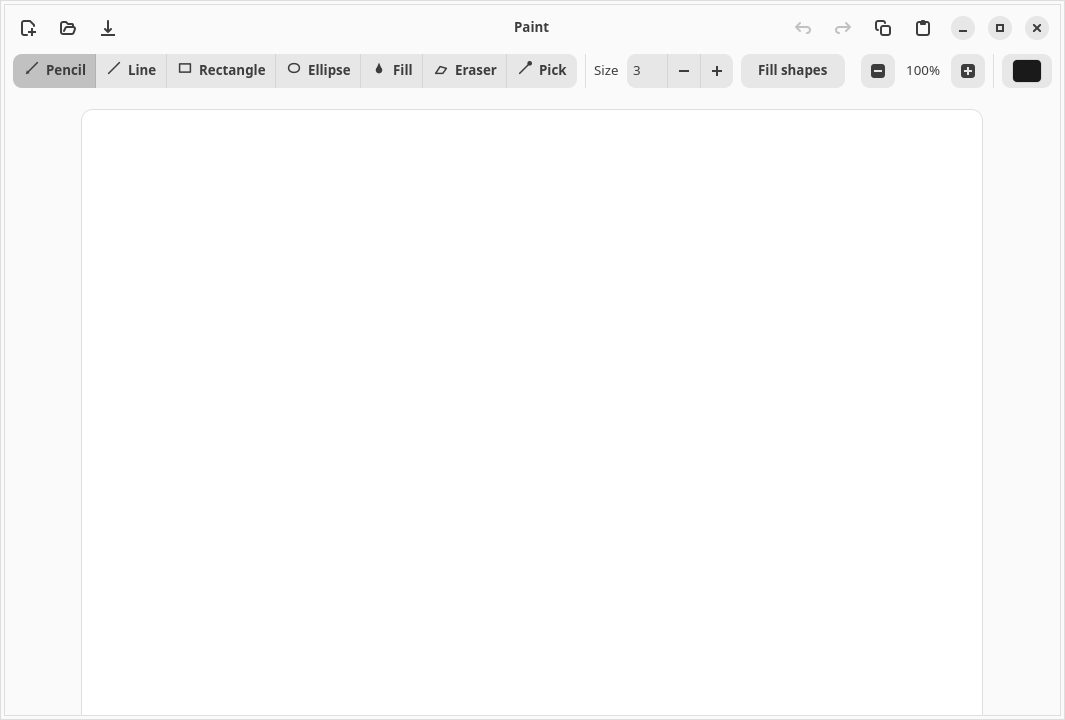
Paint screenshot

Paint v0.2.1-1

An MS-Paint-style raster editor: pencil, line, rectangle, ellipse, flood fill, eraser and eyedropper, with undo/redo, zoom to 3200% with a pixel grid, and paste straight from the clipboard.

binary webgen-paint (group graphics)

wgpkg install webgen-paint

Debian/Ubuntu build: webgen-paint_0.2.1-1_amd64.deb (936K)

Swatch screenshot

Swatch v0.3.1-1

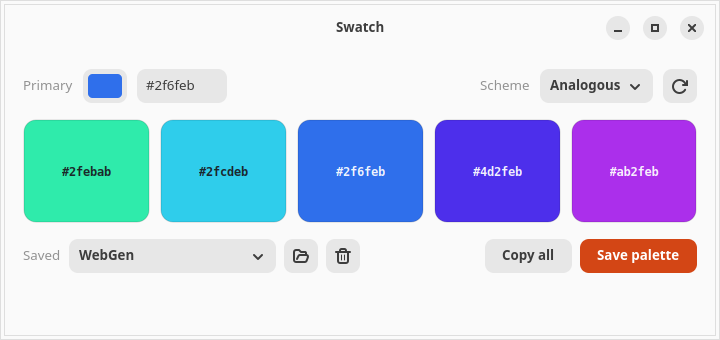
A colour tool. Pick a primary colour and get a five-swatch palette across six harmony schemes, override any swatch by hand, and save named palettes that every other WebGen app can then use.

binary webgen-swatch (group graphics)

wgpkg install webgen-swatch

Debian/Ubuntu build: webgen-swatch_0.3.1-1_amd64.deb (924K)

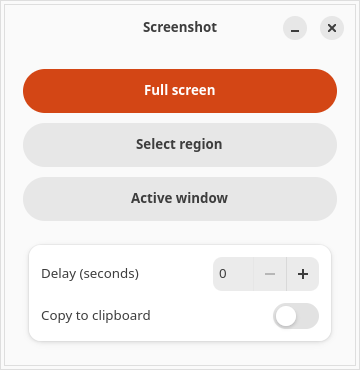
Screenshot screenshot

Screenshot v1.0.1-1

Capture the full screen, a selected region, or a single window, with an optional delay and copy-to-clipboard. Uses the wlroots capture path, so it works properly under Wayland.

binary webgen-shot (group graphics)

wgpkg install webgen-shot

Debian/Ubuntu build: webgen-shot_1.0.1-1_amd64.deb (272K)

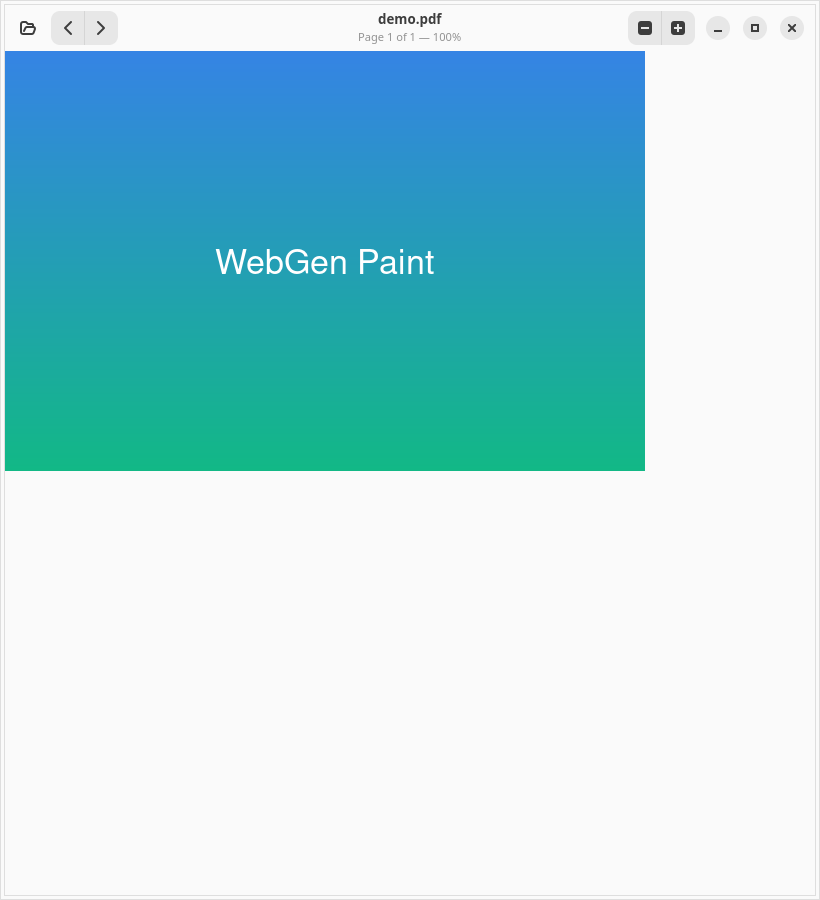
PDF screenshot

PDF v0.1.1-1

A PDF viewer built on Poppler, because WebKit does not render PDFs. Page navigation and zoom from 10% to 800%.

binary webgen-pdf (group documents)

wgpkg install webgen-pdf

Debian/Ubuntu build: webgen-pdf_0.1.1-1_amd64.deb (256K)

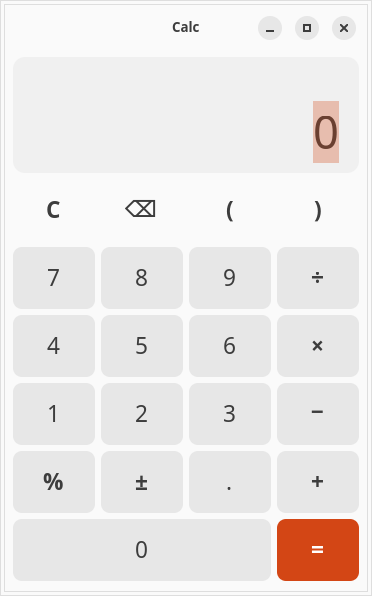
Calc screenshot

Calc v0.1.1-1

A calculator with correct operator precedence and parentheses, full keyboard input, and a history line above the current expression.

binary webgen-calc (group utils)

wgpkg install webgen-calc

Debian/Ubuntu build: webgen-calc_0.1.1-1_amd64.deb (268K)

Solitaire screenshot

Solitaire v0.3.1-1

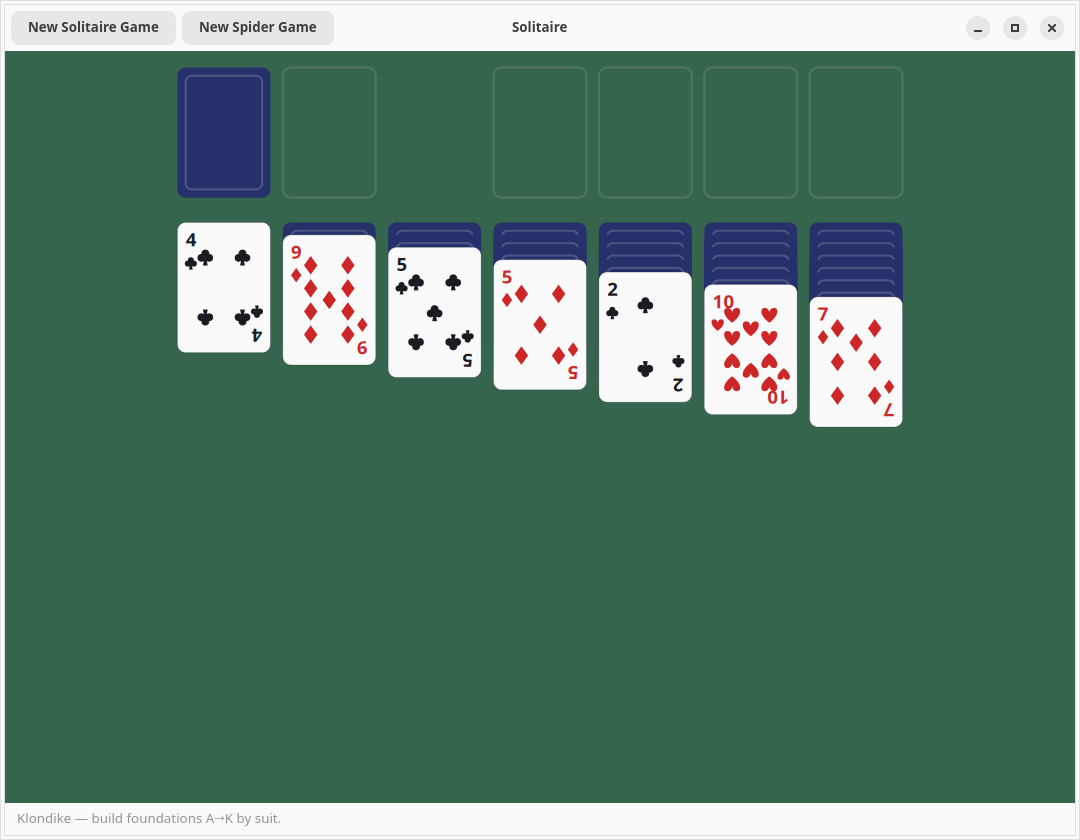
Klondike and Spider, drawn with Cairo. Card animations, a deals-remaining counter, and a confirmation before you discard a game in progress.

binary webgen-solitaire

wgpkg install webgen-solitaire

Debian/Ubuntu build: webgen-solitaire_0.3.1-1_amd64.deb (1.1M)

Installing

On WebGen Linux, everything comes from wgpkg:

wgpkg update
wgpkg install webgen-paint
wgpkg install --group graphics   # paint + swatch + screenshot together

On Debian or Ubuntu, the .deb builds above are a development by-product — see the .deb page for the caveats before using them.

← back to WebGen Linux · full package list · manual