Built from source · Reproducible
WebGen Linux is a KVM-centric base OS for admins and power users. Boot the live image, install it to disk, and run your daily-driver operating systems as guests on top — while it sees your hardware, mounts your storage, and stays on the network.
Live ISO → install to disk → launch guests under QEMU/KVM. Hand-rolled, LFS-style, no binary upstream repos.
Breadth of hardware and filesystem support is the goal — not a pile of apps.
KVM in the kernel, QEMU in the image, bridge/tap networking for guests. Running guest operating systems is a first-class use, not an add-on.
Loadable driver modules and vendor firmware, autoloaded for whatever machine you boot. The USB stick that works on your laptop works on the next box too.
Boot from USB, read and manipulate common disk and image formats, reach NFS and SMB/CIFS network storage. A sysadmin's rescue-and-manage surface.
A Wayland-native WebKitGTK browser and a modern networking stack. Table stakes for an admin workstation.
One design language, one accent, built to feel like a single system. Each ships as its own
wgpkg package you can update on its own.
Privacy-first, customizable browser on WebKitGTK 6 / GTK4. The Wayland-native way to reach the web from the workstation.
Learn more →Discover hosts on your network, scan ports, and manage servers over SSH — the admin's map of what's out there.
Learn more →Edit source and config files with syntax highlighting. Fast, native, and exactly enough editor for a workstation.
Learn more →Browse, copy, and share files across the host and its guests. Folder tree, recursive search, and Open-With that honours your system file associations.
Learn more →A tabbed terminal for the times a shell beats a GUI — which, on a hypervisor host, is most of them.
Learn more →Configure WebGen Linux and its applications — appearance and accent, users and groups, per-app panels, all in one place.
Learn more →Klondike and Spider solitaire — proof a real GUI app ships on the family stack using only what the distro provides.
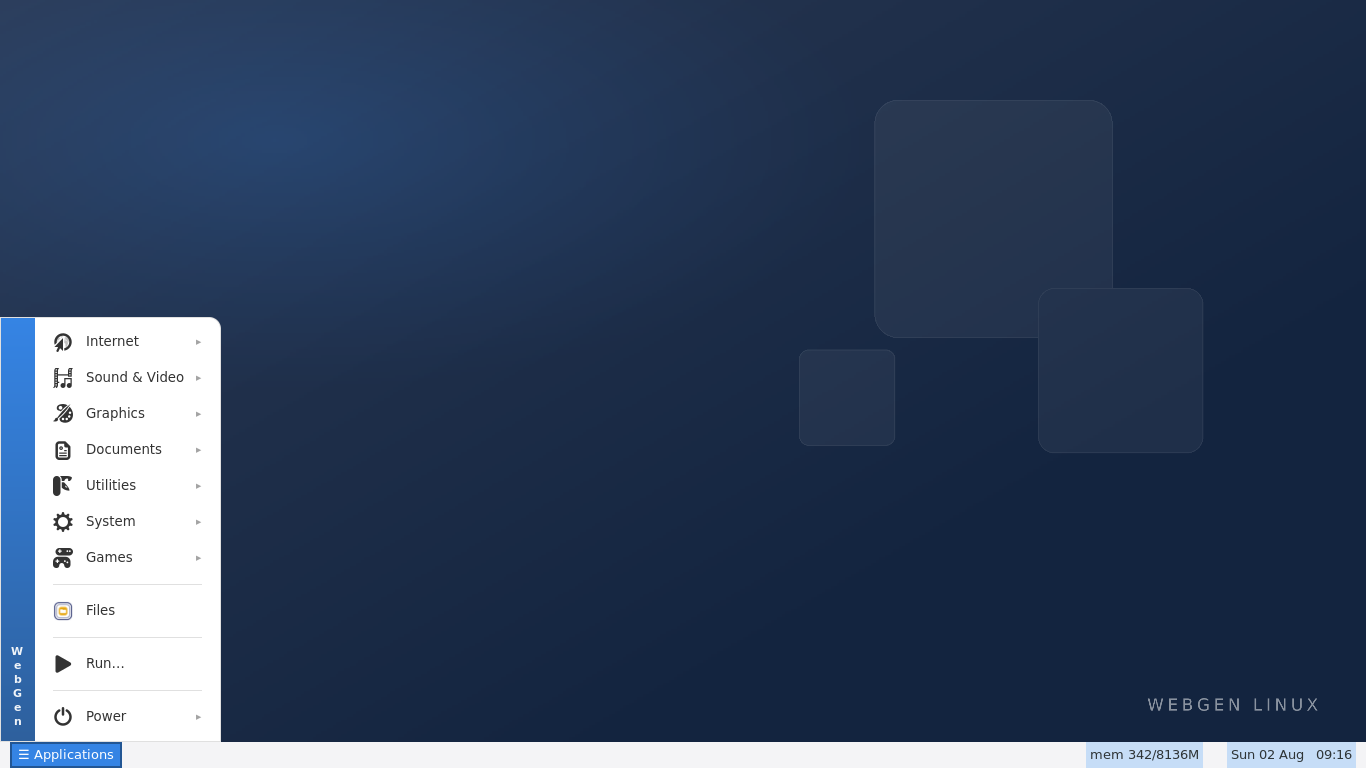
Learn more →All 25 graphical applications in the image. Full descriptions and screenshots →
wgpkgIts own package manager, built from scratch. The base system updates as one signed image; apps update individually — no full reinstall to ship a fix.
Point it at the WebGen repo and pull the latest:
https://www.webgen.com.au/linux/# add the WebGen package repo $ wgpkg repo add https://www.webgen.com.au/linux/ $ wgpkg update # upgrade every installed app $ wgpkg upgrade # or install one $ wgpkg install webgen-edit
Two live-and-install images, UEFI+BIOS, x86-64. The standard image is a lean bootstrap
(install, then wgpkg upgrade to today's everything). The Admin / Rescue image bakes
the full sysadmin toolkit in for offline use.
sha256: f27d427622ef8a215af4de3f8af422766bc55e1767ac02e317f09545d7e8b46a
Write it to a USB stick and boot (UEFI): sudo dd
if=webgen-linux.iso of=/dev/sdX bs=4M oflag=direct status=progress && sync
— replace /dev/sdX with your USB device (check with lsblk first).
If the machine ignores the stick and boots Windows anyway, that is almost certainly Secure Boot — it refuses unsigned boot loaders silently, with no message at all. The stick is fine; here is how to turn it off, by manufacturer.
Every component is compiled from source and pinned by version, URL, and hash. Device firmware is the one exception — shipped as vendor-redistributable binaries, clearly labelled on the packages page.