Financial Data Reconciliations
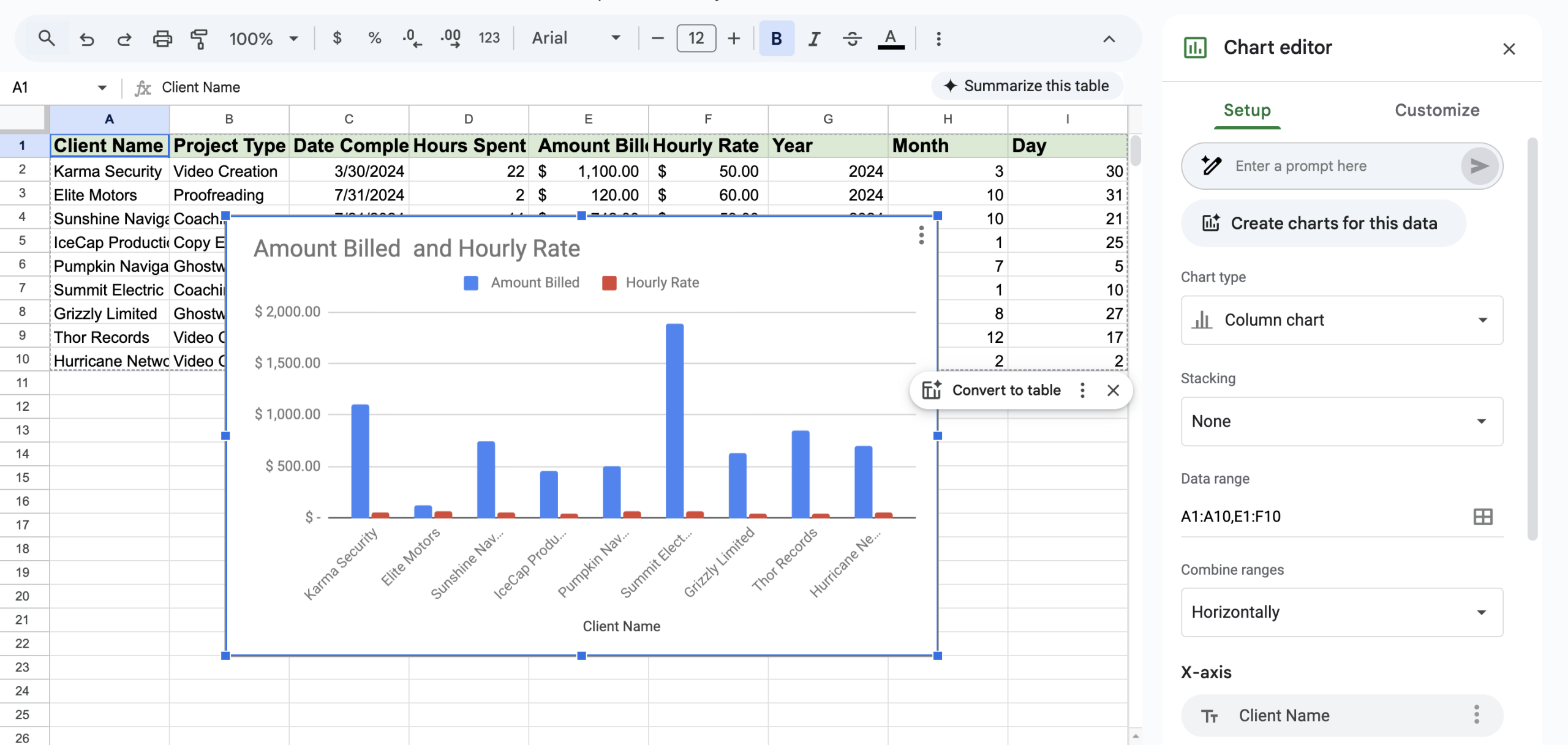
As part of our work we often work with client data and calculations. Data can come in a few flavors be that benign like the misspelling of a word in a record or down right dangerous in terms of financial and regulatory data.
This post is about the latter. Things like spelling “jayne Smith” isn’t going to break a business. Clearly the name is “Jayne Smith” when typed properly but any sane human can skip past that and still understand the data.
I’ve worked with many financial data sets around costing, invoices, taxation and employment. Before we begin there are of course many talented people who can work with data in a desktop application like MS Excel. Alas there are also many that believe they can. My work is generally done at the database and programming level and for me MS Excel is just something that I use to prototype calculations on – basically a glorified calculator.
What is the number #1 danger in using tools like spreadsheets vs applications?
Spreadsheets can be changed by the user and applications cannot. This can be accidental eg: dragging a cell to another one that changes to logic. This can be deliberate, “Why is the $ amount rounded to 4 decimal places not 2? That’s silly I’ll ‘fix it’…” And the final one is being told to change something and misunderstanding the brief; for example a set of master rates is sent out by head office to adjust cost, price, margin or markup.
My beef with these environments isn’t the well trained and managed teams that can achieve this accurately. Well done! But teams change, people come and go, knowledge is lost, meaning is not understood aka “We always did it this way, that was what I was told”.
That sort of lack of management oversight and control makes my blood run cold. Sure if you are dealing with small numbers and plenty of fat on the side of the business then you can probably absorb a few transactions but is that the point? What if you have a blockbuster year and your $1,000 of missed revenue turns out to be $10,000 or more because now your errors scale.
Guess which branch/site is going to get things wrong first? The busiest and the most financially productive. Your golden goose has just become your Achilles heel. Try effecting change in an office of superstars and enjoy the push back you will recieve.
We can afford a few $$$ if we have growth!
Sure. Yes sure you can. Keep believing that.
Why don’t you pay me a large fee to migrate your data from one system to another. Just skip over the rounding errors. Skip over the totals that don’t align with the printed reports the Sales team have that are not the same as the ones on the screen in their new system. Justify to them why they shouldn’t get their commissions because they didn’t actually hit their targets.
These are your best performing branch after all. Can you see the issue you have here? Can you see the effect it will have on the other branches.
Your data issues are now people management issues.
Numbers have to be perfect
The first point I would make is that perfect numbers can always be reconciled. This means that they survive audit. Many businesses are audited by government agencies (WorkCover), the ATO and their baks (debtor financing). Having numbers that don’t add up leads to a loss of confidence (internal and external), repeated or more frequent disturbing audits and in some cases fines or amendment transactions.
For example if you didn’t calculate your payroll correctly then you could underpay WorkCover and Payroll tax. Given in Australia these vary state by state that is 12 different entities that might want to have a chat with you.
Another example is the miss paying of wages. It doesn’t send a good signal to have to amend a yearly payroll for 500 workers. They are good at what they do and they have the reasonable expectation that you are proficient at what you do. Get numbers wrong and you break that trust.
Spreadsheets vs Applications
I am going to pick on payroll calculations here for on hired workers – this can be a sub-contractor, labour hire or contractor/consultant in any field.
The basic factors and outputs are:
- Rate of pay
- Hours worked
- Gross pay
- Income Tax
- Superanuuation
- Payroll Tax
- WorkCover
- Margin / Markup / Fixed amount [yuck!]
- Price charged
These calculations have different levels of calculations that are applied in a specific order and inherit the sub totals of preceding calculations to generate their value/number/result. Get the order wrong, the % wrong or source data wrong (eg: state based taxes/workcover) and it’s….well……wrong.
Some would argue that there are sophisticated accounting and payroll applications that take care of this for you (when configured correctly) and you are 100% right; I’ve written several myself. However there are many businesses that have Managers & Purchasing & Sales calculations using the tools in front of them like MS Excel. It is not uncommon for business units to rely on an Administrator to “run the numbers” or “update the template with new rates”.
When users can change data and calculations in such a way it doesn’t matter how sophisticated your systems are if the well is poisoned from the outset.
Having an application where the logic is centrally controlled and data is saved in such away that once processed cannot be changed gives you an audit trail and centralization of Management responsibility. In addition it means that as people come and go there is one and only one process that needs to be taught and adhered to. This plays out well for your branches as each one of them has the same “rule book” to work from.
A bad example – spreadsheets gone ape!
I had a project to integrate some calculations recently into a database. There was a strange column which had a few cents in it for each product line on the invoice that was sent to the customer. I was told that this was the number of cents that the invoicing program was differing from the calculations for each item.
I always work from the point of view that my numbers are wrong and try to work back to how I get the customer’s numbers. In this example the data was as simple as $rate x $quantity = $price.
I wrote into the application the same maths and had a different figure. So the next thing was to use their spreadsheet to repeat the transaction using the field data eg:
Cell B3: = A1 x A2 – (this is me putting my data in a seperate column so I don’t mess with their values).
The values shown on screen were 14.45 x 33 their result was: 477.03
The value should have been: 476.85
So I open up another cell and type = 14.45 x 33 – which yields 476.85 – the correct number. (Yes technically its: =14.45*33[Enter] )
Long story short the factors for $rate & $quantity were coming from chained calculations from other tabs and separate spreadsheets. Every time that the screen was loaded or $quantities were changed all of these calculations ran along with all of their rounding voodoo and the like.
In simple terms not one line of the invoices being sent our was accurate. Not one. For years. In this case it was a few cents here and there but can you see the problems? Will customers lose confidence in you? Will a new CFO lose weeks of reconciliations just trying to get to an accurate starting point? Is your business now on the radar for a tiresome audit?
Summary
To all of your talented people out there that can manage calculated data without error I applaud you. If it works and is within your risk envelope then fair play.
However if you want centralized control of data or even just someone to check your homework then please make contact.
I would assume that your business might have nuances or calculations that I haven’t encountered and there might be a compelling argument about “he doesn’t know how this is calculated” then you are right. But I would point out that if you can’t teach a data specialist a calculation then what hope do you have in teaching your next hire given that it is part of their job/expertise vs 100% of mine…








Related Posts